Little Big Adventure
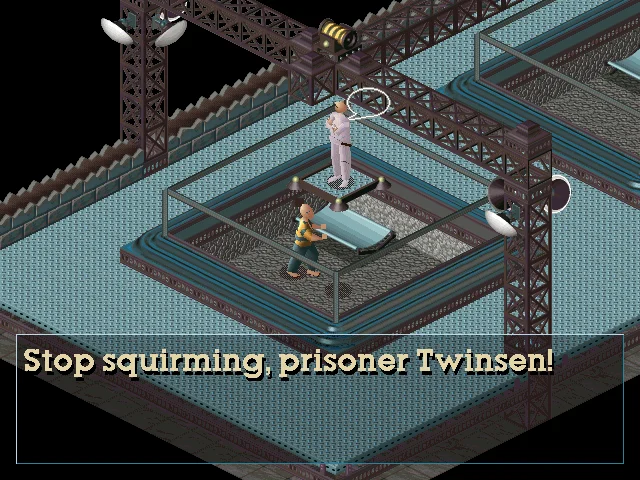
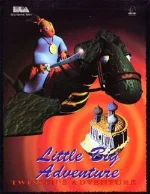 Little Big Adventure (1994) is a distinctive action-adventure game for MS-DOS that blends storytelling, exploration, and puzzle-solving into a memorable experience. Set in the imaginative world of Twinsun, players take on the role of Twinsen, an ordinary citizen whose life is turned upside down after he begins having prophetic dreams. Soon labeled a threat by the ruling regime, Twinsen must escape imprisonment and uncover the truth behind his visions, embarking on a journey that spans diverse environments and cultures.
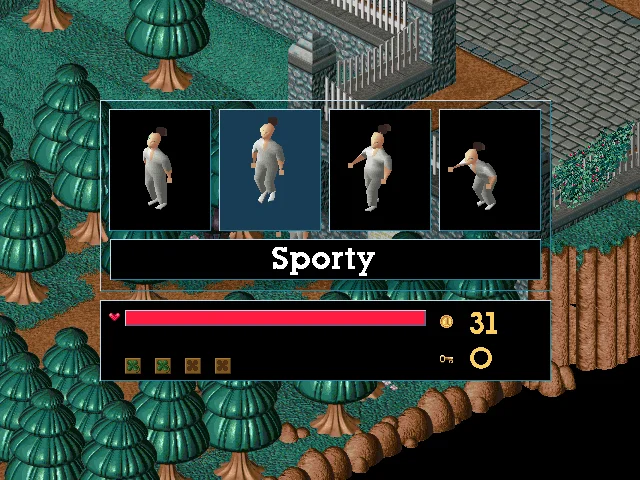
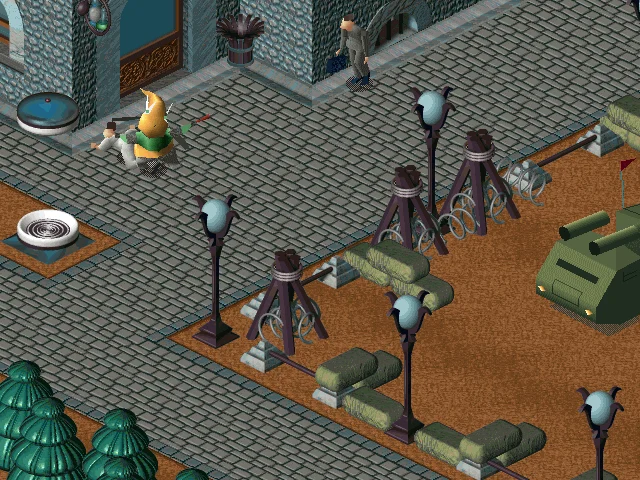
The game stands out for its unique isometric perspective and innovative gameplay mechanics. Players can switch between different behavior modes—such as discreet, athletic, aggressive, and normal—each affecting how Twinsen interacts with the world and its inhabitants. This system adds a layer of strategy to both combat and exploration, encouraging experimentation. Combined with environmental puzzles, hidden items, and a living world filled with quirky characters, Little Big Adventure delivers a rich and engaging gameplay loop.
Beyond its mechanics, the game is especially remembered for its charm and atmosphere. Its colorful visuals, whimsical soundtrack, and blend of humor with darker narrative elements create a tone that feels both lighthearted and meaningful. Despite technological limitations of its era, Little Big Adventure remains a cult classic, praised for its originality and depth, and continues to hold a special place in the history of adventure gaming.
Genre: Adventure
Release: 1994
Developer: Adeline Software International
Publisher: Electronic Arts
Series: Little Big Adventure
Also known as: Relentless: Twinsen's Adventure
Tags: Isometric, Sci-Fi, Fantasy
Played: 170 times in the last 12 months
Just play it!
Tip: Press Alt + Enter to toggle fullscreen mode
Quick tips — new to MS-DOS games?
- Click inside the game to give it keyboard/mouse focus.
- Ctrl + F10 — release or re-capture the mouse cursor.
- Saving varies by game — look for Save in the in-game menu (Esc or F1), or try F5 / F7.
- Some games use passwords instead of saves — note it down!
- Controls are often shown on the game's intro or title screen — don't skip them.
- 🖥️ CRT filter is on by default for that authentic monitor look. Toggle it with Alt+F7 or the CRT: ON/OFF button in the bottom-right corner of the game. Your preference is remembered.
Playing on a phone or tablet?
MS-DOS games were built for a physical keyboard. Use the
keyboard button in the game's bottom bar to bring up
the on-screen keys, or connect a Bluetooth keyboard — some games are
hard to control by touch alone.
Enjoying Little Big Adventure? Rate it or leave a comment — it helps other players find the good ones.
Little Big Adventure controls
| Key | Action |
|---|---|
| Up / Down | Walk forward / backward |
| Left / Right | Turn |
| Space | Action – depends on the behaviour mode (talk, search and use; jump; fight; hide) |
| Ctrl (hold) + Left / Right | Choose the behaviour mode |
| F1 / F2 / F3 / F4 | Normal / Athletic / Aggressive / Discreet mode |
| Alt | Throw the magic ball |
| Shift | Inventory (Enter uses the selected item) |
| H | Holomap |
| Enter | Centre the view on Twinsen |
| F5 | Zoom in / out |
| F6 | Options menu |
| P | Pause |
| Esc | Menu (continue or quit) |
| The game saves automatically as you progress. | |
Explore More
More Adventure Games:
Browse all adventure games
Browse all adventure games
Games from 1994:
See all games from 1994
See all games from 1994
Developer:
More games by Adeline Software International
More games by Adeline Software International
Publisher:
Games published by Electronic Arts
Games published by Electronic Arts






Comments
No comments yet — be the first to say something.
New Comment